
Technician Mobile App
One mobile app:
Your brand, your control.
Mobile App Features for Installer Technicians
The CityMesh mobile app is designed to be the technician’s essential tool in the field, streamlining every stage of installation, diagnostics, and maintenance.Efficient Activation and Installation Management
Guided, Assisted Activations
QR Code Activation
On-Site Range and Performance Tests
Remote Diagnostics, Support, and Control
- In-Depth Remote Diagnostics: Access diagnostic tools that provide detailed information on the operating status of the customer’s system without an on-site visit. Identify connectivity issues, device status, and network performance remotely.
- Service and Maintenance Commands: Run essential service commands remotely, such as rebooting equipment, resetting configurations, or temporarily enabling/disabling components. This drastically cuts resolution time and the number of truck rolls.
- Remote Configuration and Updates: Modify system settings or push firmware updates to installed devices remotely. This keeps equipment optimized and secure without interrupting customer service or requiring a technician on site.
Screen
Customer
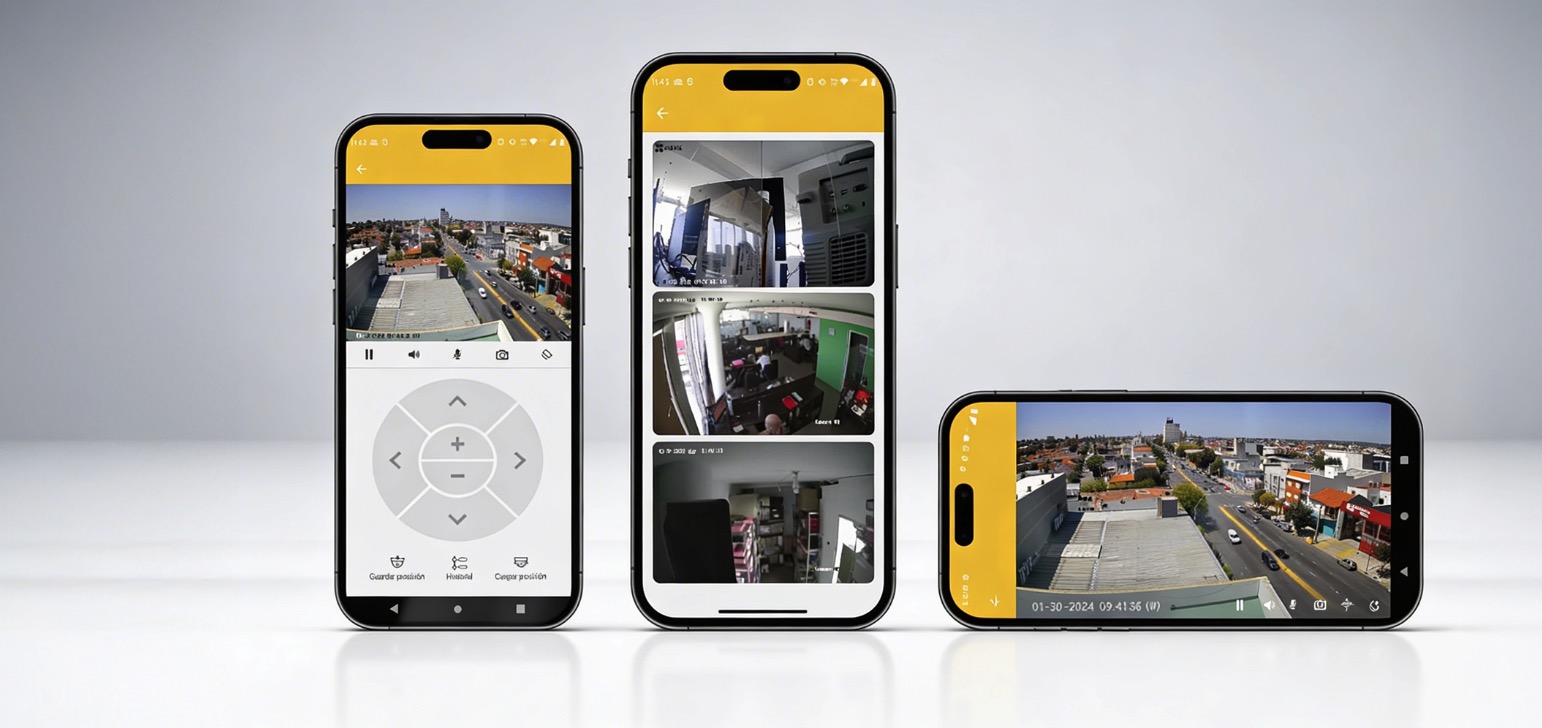
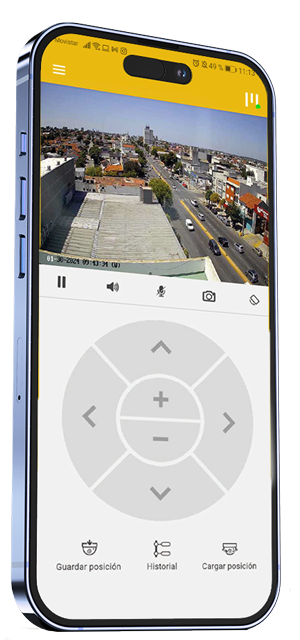
Clean, user-friendly interface focused on end-user features (e.g., camera viewing, arming mode activation/deactivation, event history).
Screen
Technician
Screen
Customer
Screen
Technician
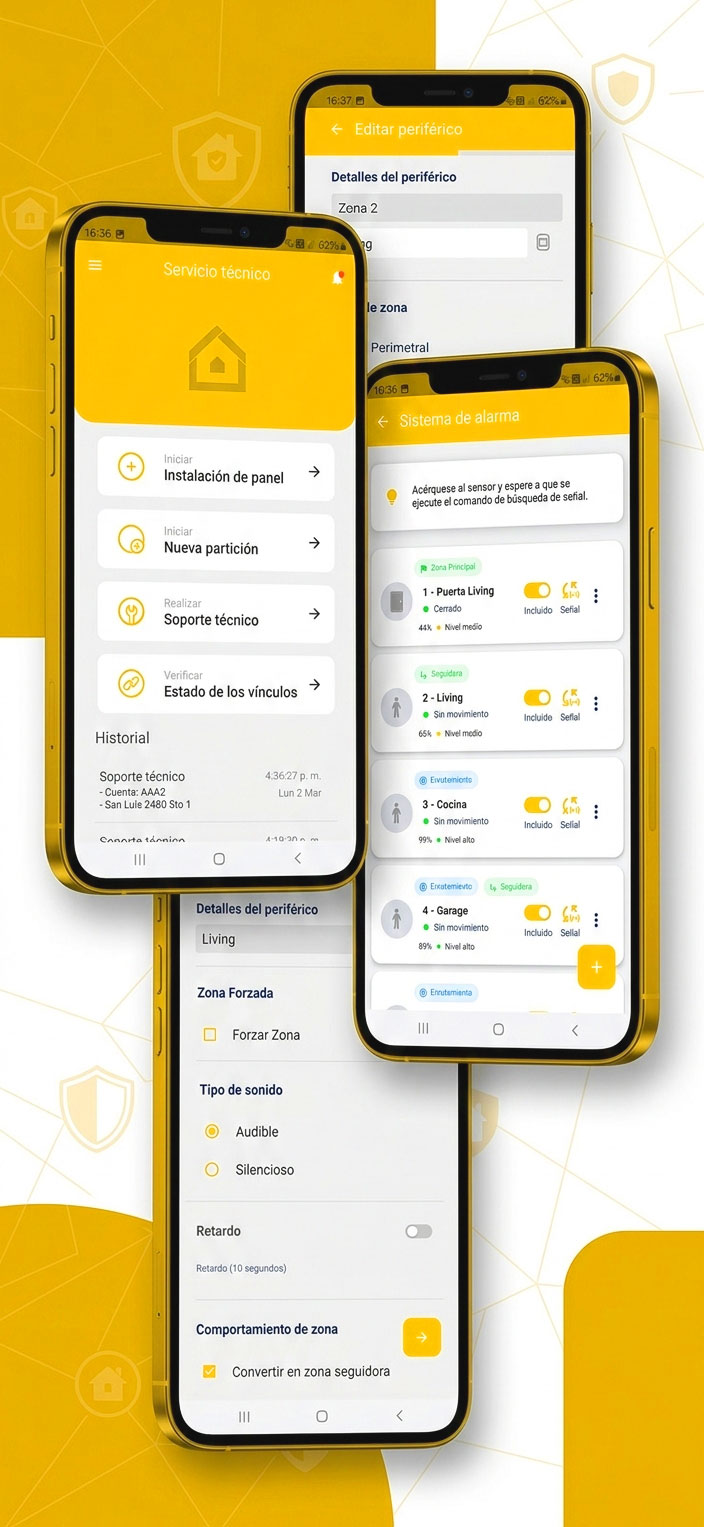
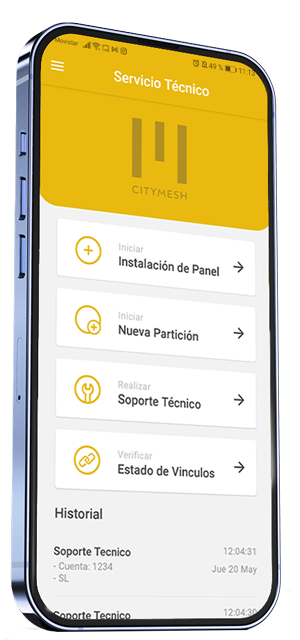
Professional, detailed interface showing the management tools (e.g., “Guided Activation” screen with QR code, “Range Test” results).
Screen
Customer
Clean, user-friendly interface focused on end-user features (e.g., camera viewing, arming mode activation/deactivation, event history).
Screen
Technician
Professional, detailed interface showing the management tools (e.g., “Guided Activation” screen with QR code, “Range Test” results).
Let's talk about your operation
Tell us what you need and a CityMesh advisor will get back to you shortly.